A ceiling fan installation is partly a wiring job, partly a mounting job, and partly a clearance problem. The fixture can look simple in the box, but it will hang overhead, spin at speed, and pull on the ceiling every time the motor starts. A safe project begins with the support above the drywall, not with the blade color or remote style.
The best DIY plan is to confirm the ceiling box is fan-rated, shut power off correctly, match the fan to the room, assemble the parts in the right order, and test the finished fan before calling it done. If the existing box, wiring, switch setup, or ceiling height does not match the fan, pause there. A ceiling fan is worth doing only when it can be mounted solidly and operated safely.
A: Only if the box is clearly rated for ceiling fan support.
A: Turn off the breaker and verify every relevant wire with a voltage tester.
A: Stop and install an approved fan-rated box or brace before hanging the motor.
A: Assemble parts on the floor when the manual says it is allowed and practical.
A: The receiver or wire bundle may be crowded, pinched, or folded in the wrong order.
A: Loose support, uneven blade arms, blade weight differences, or inconsistent screw pressure can cause wobble.
A: No. Fans and fan-light kits need controls compatible with the motor and light type.
A: Direction changes how air circulates for cooling comfort or gentle winter mixing.
A: Test fan speeds, light, remote, wall controls, airflow direction, wobble, noise, and heat.
A: Call for unclear wiring, no fan-rated box, damaged conductors, breaker trips, sparks, or missing grounding.
Start With the Ceiling Box
The ceiling box is the first decision because it carries the moving load. A light fixture box is not automatically strong enough for a fan. Fans create vibration, twisting force, and repeated movement that ordinary lighting boxes were never meant to handle. Look for a label inside the box that says it is rated for ceiling fan support, and check the weight rating against the fan you plan to install.
If the box is loose, plastic, unsupported, cracked, or mounted only to drywall, stop before hanging the fan. Replace it with a fan-rated box or retrofit brace that is designed to span between joists. In older homes, the box may be buried under paint or attached to a bar that looks sturdy but was intended only for a light. Guessing here is not worth it.
A fan-rated box should feel solid when you gently test it by hand. It should not wiggle, rotate, or pull away from the ceiling. If access from above is available, inspect the framing connection directly. If access is not available, use a listed retrofit fan brace installed according to its instructions, or call an electrician if the opening, wiring, or framing condition is uncertain.
Choose a Fan That Fits the Room
A fan that is too large can crowd the ceiling and feel awkward. A fan that is too small may run constantly without moving enough air. Match blade span to the room size and ceiling height, then check the manufacturer’s clearance requirements. The blades need room from walls, cabinets, bunk beds, tall furniture, doors, and sloped ceilings.
Ceiling height changes the type of mount. A low ceiling may need a flush-mount fan. A tall or vaulted ceiling may need a downrod so the blades sit at a useful height. Do not shorten, improvise, or swap hanging parts unless the manufacturer allows it. The support system, wiring, and balance are designed around approved parts.
Also think about light output. Some ceiling fan light kits are accent lighting, not primary room lighting. If the fan is replacing the only ceiling fixture in a bedroom, office, or living room, confirm the light kit will be bright enough and that bulbs or integrated LED parts are replaceable or serviceable.
Read the Instructions Before Removing the Old Fixture
Open the fan box and read the installation guide before the old fixture comes down. Ceiling fans often have small differences in bracket shape, canopy order, receiver location, blade arm attachment, safety cable, light kit wiring, and remote pairing. Knowing the sequence ahead of time prevents the common problem of assembling parts in the wrong order while standing on a ladder.
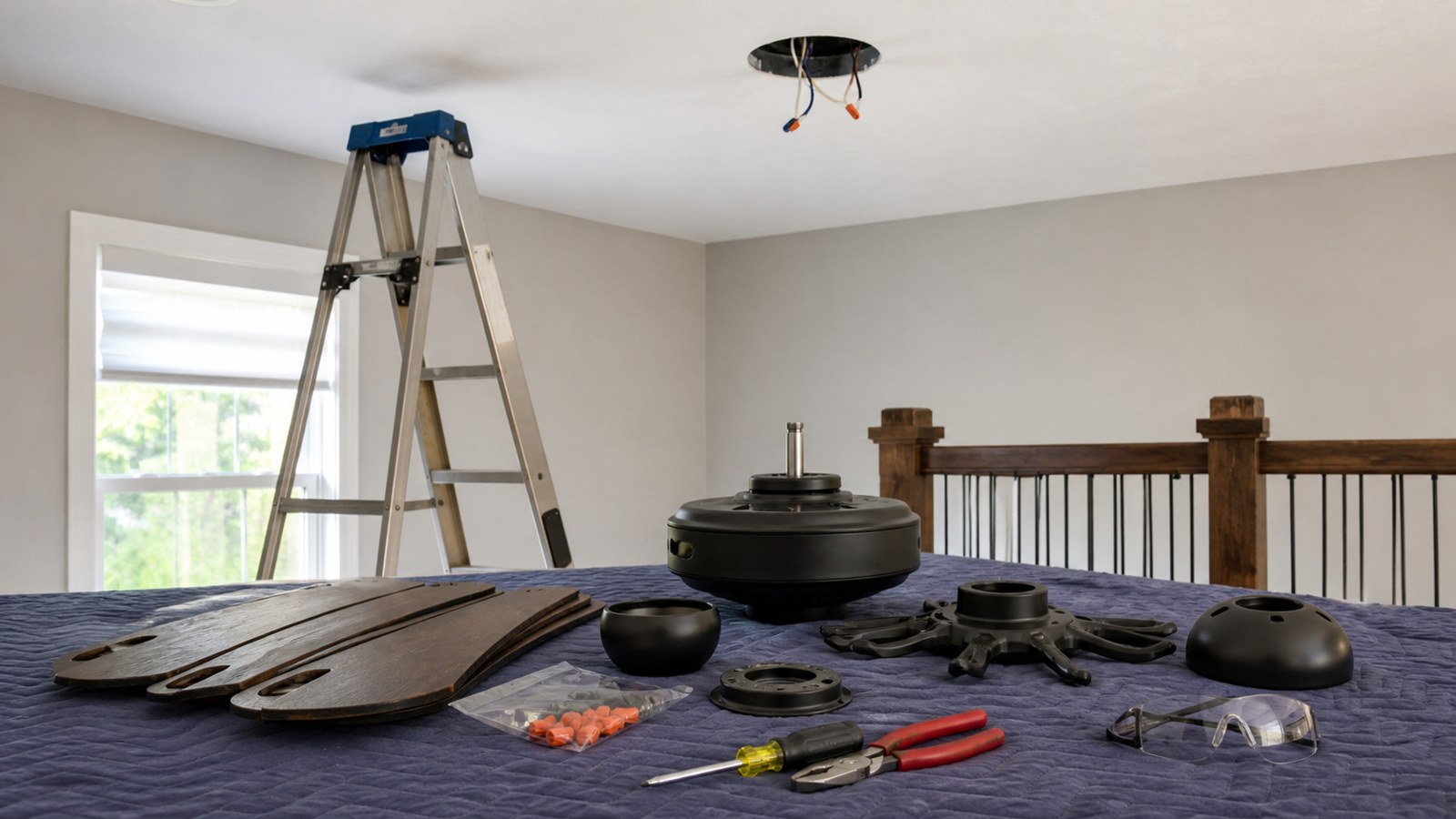
Lay the parts out on a blanket or clean floor. Keep screws with the parts they belong to. Some screws look similar but have different lengths or thread patterns. Mixing them up can strip a bracket, crack a decorative cover, or leave a blade arm loose.
If the fan includes a remote receiver, identify where it fits before the fan is hanging. Many receivers tuck into the canopy above the hanging ball, and the wiring space can be tight. Forcing a receiver into the canopy after everything is connected can pinch wires or prevent the cover from seating correctly.
Shut Off Power and Verify It
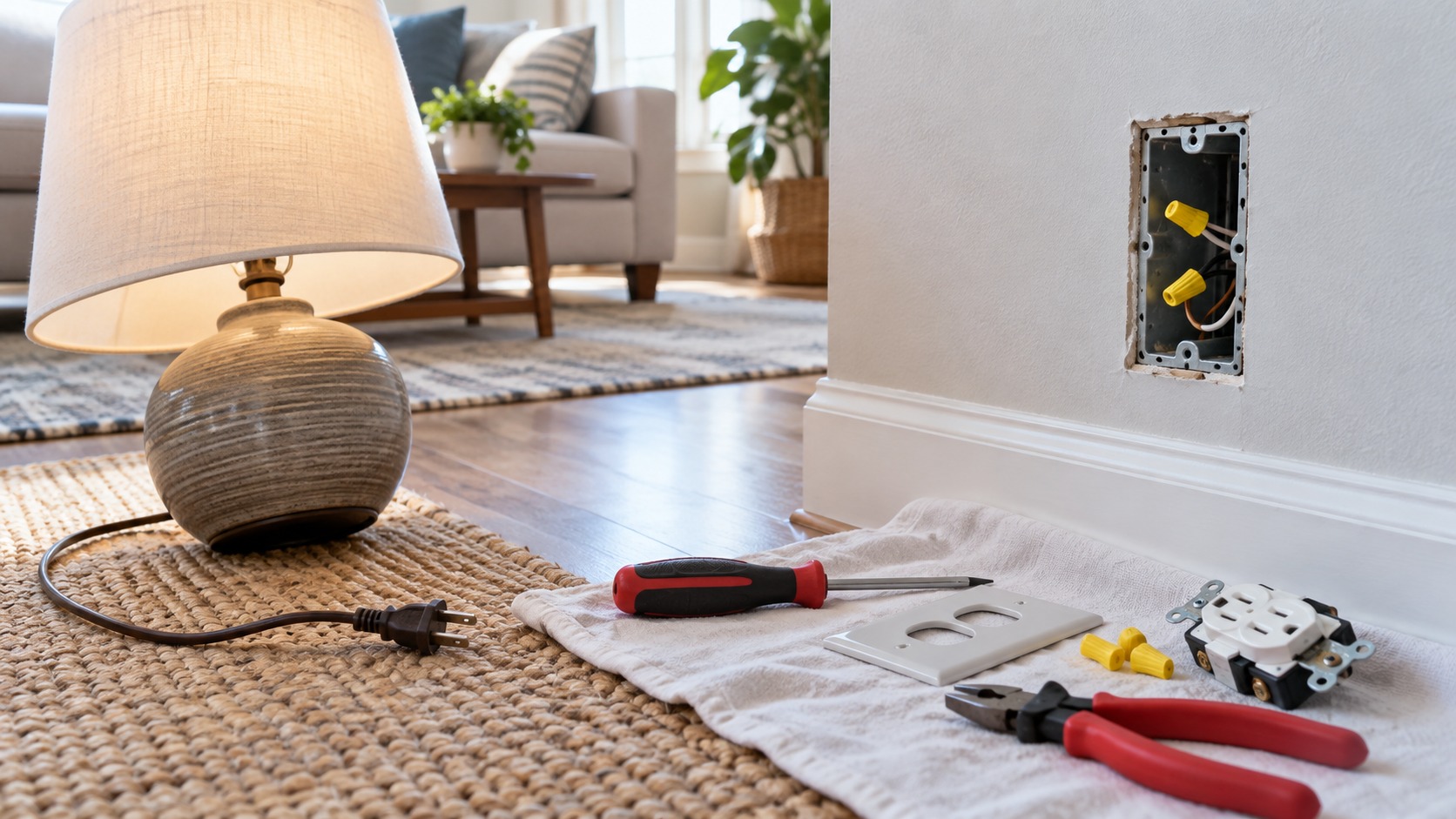
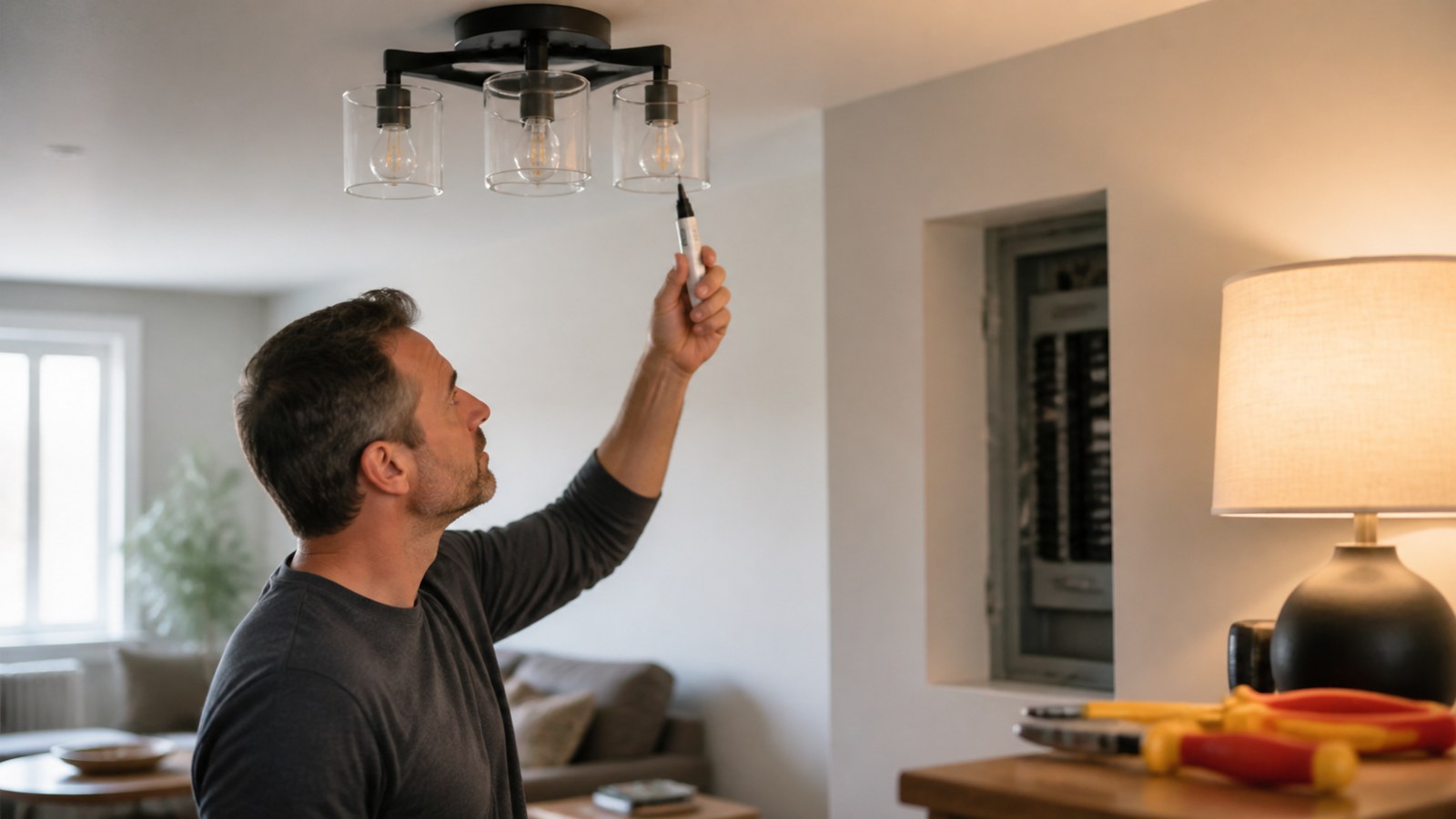
Turn power off at the breaker, not only at the wall switch. A switch can fail, be wired in a way you do not expect, or leave another conductor live in the ceiling box. After the breaker is off, use a non-contact voltage tester and, when appropriate, a meter to confirm the wires in the box are not energized.
Keep the wall switch off while you work. Tell anyone else in the house not to turn the breaker back on. If the panel is shared or hard to watch, place a note at the breaker. The goal is not speed; it is making sure the circuit stays off until the wiring is safely capped and the fan is ready for testing.
If you find old cloth wiring, brittle insulation, aluminum branch wiring, burned connections, damaged cable, missing grounding, or a box with confusing wire groups, stop and get qualified help. Replacing a fan should not become an experiment with unsafe wiring.
Remove the Existing Fixture Carefully
Support the old light fixture while removing its mounting screws. Do not let it hang from the wires. Once the fixture is lowered, photograph the wire connections before disconnecting anything. The photo may help you understand which cable fed the fixture, which wire went to the switch, and how grounding was handled.
Separate the wires gently and keep wire connectors available. If the old fixture was connected with loose tape, undersized wire nuts, or damaged insulation, correct that before moving forward. The ceiling box should be clean enough that the new bracket can sit flat and the wires can fold without being crushed.
This is also the time to check the box again. A box that seemed solid with a light attached may reveal itself as weak once the fixture is removed. If the box moves, spins, or shows no fan rating, do not install the fan on it.
Install the Mounting Bracket Squarely
The fan bracket transfers the load from the fan to the box or brace. Use the screws specified for the fan-rated box and bracket. Do not substitute drywall screws, random wood screws, or short screws from a drawer. The mounting hardware needs to match the threaded holes and the load rating.
Pull the supply wires through the bracket opening before tightening everything. The bracket should sit flush against the box or ceiling surface without pinching insulation. Once installed, tug lightly on the bracket and make sure it does not shift. A wobbly bracket will become a wobbly fan.
For sloped ceilings, confirm that the bracket and canopy are approved for the ceiling angle. Some fans need an angled-ceiling adapter. If the hanging ball cannot sit correctly in the bracket, the fan may not hang plumb or may rub the canopy.
Assemble Heavy Parts on the Ground When Possible
Many fans are easier to prepare on the floor. Attach the downrod, route wires through the rod, secure set screws, install cotter pins, and tighten parts according to the manual before lifting the motor. Working at chest height is safer and more accurate than trying to assemble small hardware overhead.
Do not attach every blade early unless the instructions call for it. Some fans are easier to hang with the motor alone, then blade arms are added later. Other designs require blades before the light kit. Follow the specific sequence for the model in front of you.
Check every preinstalled screw on the motor housing and blade arms. Shipping vibration can leave parts slightly loose. A loose blade arm or decorative cover can cause noise that is hard to diagnose once the fan is running.
Hang the Motor Securely Before Wiring
Most downrod fans use a hanging ball that sits in the mounting bracket while you make the wiring connections. Make sure the ball is fully seated in the bracket slot and that any guide groove lines up correctly. The fan should be supported by the bracket, not by your hands or the wires.
If the fan has a safety cable, attach it where the instructions specify. A safety cable is not decoration. It provides backup support while you work and may be required by the fan design or local practice. Do not wrap it around random hardware unless the manual directs that method.
Once the motor is hanging, rotate it gently to confirm it moves freely and the wires are not twisted tight. The wiring should have enough slack to connect cleanly without strain, but not so much loose length that the canopy cannot close.
Make Wiring Connections Deliberately
Common fan wiring usually includes a hot supply, neutral, ground, and separate leads for the fan motor and light. Remote-control fans may route the supply through a receiver first. Dual-switch setups can separate fan and light control. The colors and connections depend on the model and the existing wiring, so follow the fan manual and the labels in the box.
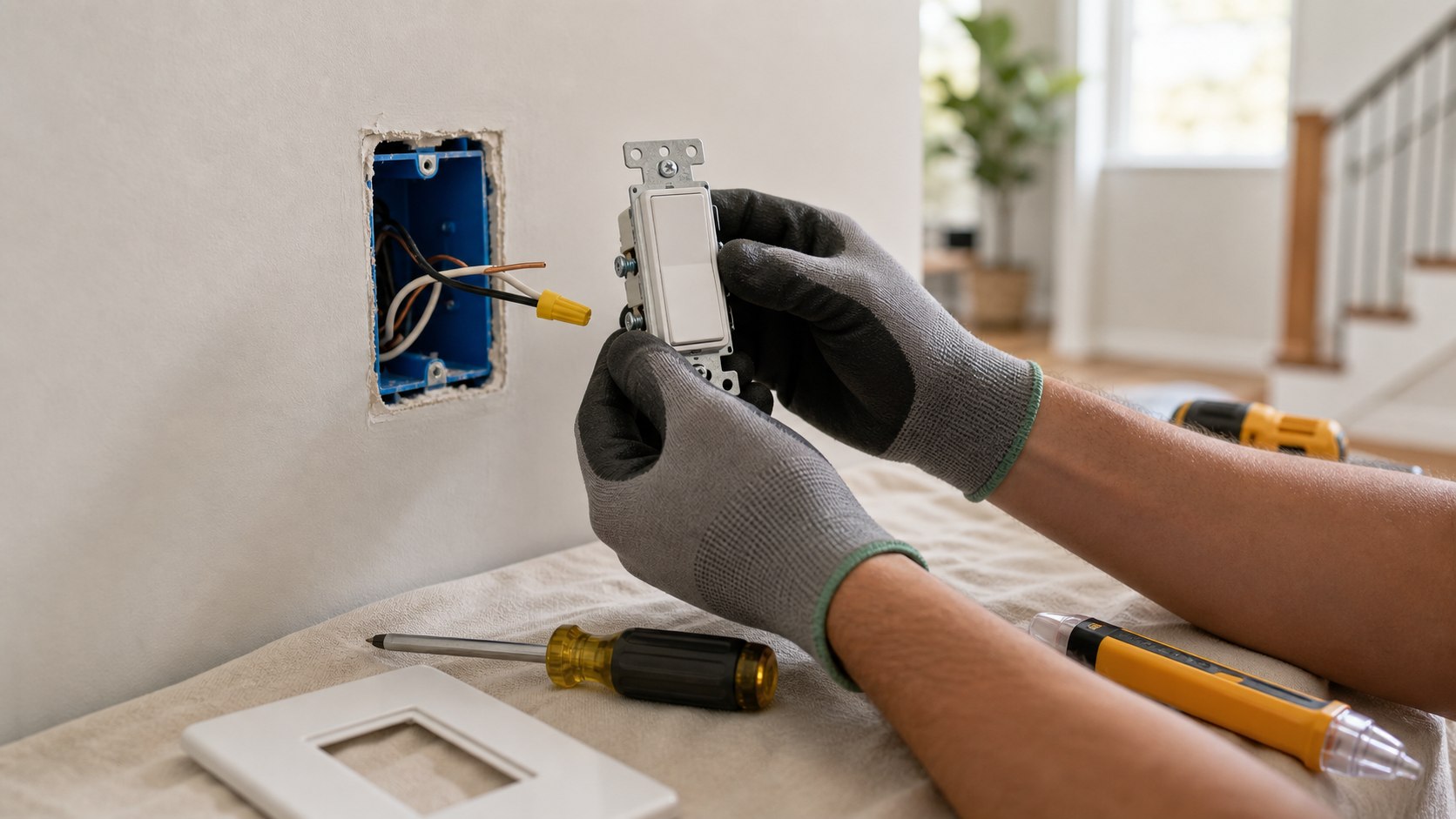
Connect grounds first where practical. Bond the fan ground, bracket ground, and circuit ground as instructed. Then connect neutrals and switched hot conductors using properly sized wire connectors. Tug each connection gently after tightening. A connection that slips now would have failed later inside the canopy.
Do not leave bare copper exposed outside wire connectors, and do not pack sharp bends into the canopy. If the box is crowded because of multiple cables, a remote receiver, or old wiring, slow down. Crowded wiring is where pinched insulation and loose connectors happen.
Fit the Receiver and Canopy Without Pinching Wires
Remote receivers often create the tightest part of the installation. The receiver must sit in the space designed for it, usually above the ball or inside the bracket area. Slide it in carefully and keep antenna wires, connectors, and supply wires away from screw holes and sharp canopy edges.
Before tightening the canopy, look from several angles and confirm no wire is trapped between metal parts. The canopy should lift into place naturally. If it fights you, remove it and rearrange the wiring rather than forcing the screws. A pinched wire hidden inside a canopy is a bad trade for finishing five minutes faster.
Once the canopy is secure, check that the downrod or motor housing does not rub it. A rubbing canopy can make a clicking sound every time the fan moves.
Attach Blades With Consistent Pressure
Fan blades need to be treated as a matched set. Attach blade arms with the correct screws and washers, tighten them evenly, and avoid bending the brackets. If the fan uses reversible blades, choose the finish before assembly so every blade faces the same way.
Do not overtighten blade screws into soft material. Stripped blade holes or warped blade arms can create wobble. If the instructions give a screw order or torque guidance, follow it. If not, snug each screw firmly and consistently, then recheck after all blades are installed.
Keep blades clean during installation. Paint, drywall dust, greasy fingerprints, or small debris on one blade will not usually cause a balance problem by itself, but clean parts make it easier to spot defects, cracks, chips, or warped edges.
Install the Light Kit and Bulbs Correctly
If the fan includes a light kit, connect it after the motor and blades are secure unless the manual says otherwise. Many light kits use plug-style connectors between the fan body and the light assembly. Make sure those connectors click together fully and are tucked away from rotating parts.
Use bulbs that match the fixture rating. Do not exceed wattage limits, and do not install bulbs that press against a glass shade or trap heat in a way the fixture was not designed for. If the fan uses integrated LED parts, keep the documentation so replacement parts can be found later.
Before installing glass shades, check that screws are started evenly. Hand-tighten shade screws only enough to hold the glass. Overtightening can crack glass or make removal difficult when bulbs need replacement.
Restore Power for a Controlled Test
Once the fan is assembled and the canopy is closed, restore power at the breaker and test from the wall switch or remote. Start with the light, then run the fan on low speed. Listen for humming, scraping, clicking, or buzzing. Watch the fan body, not just the blades.
A new fan may move slightly as it starts, but it should not shake hard or look unstable. If anything sounds wrong, turn it off before increasing speed. Recheck blade screws, bracket seating, canopy clearance, and whether the fan is hanging fully in the bracket.
Test all controls while you are still set up. Confirm fan speeds, light dimming if included, reverse direction if accessible, and remote pairing. If a wall control or remote does not behave as expected, solve that before putting tools away.
Correct Wobble Methodically
Wobble can come from loose hardware, uneven blade height, a bent blade arm, an unseated hanging ball, a crooked bracket, or blades that are out of balance. Do not jump straight to adding random weights. First turn power off and check every mechanical connection.
Measure blade tips from the ceiling at the same point in the rotation if the instructions recommend it. A blade that sits higher or lower than the others may need a bracket adjustment or replacement. If the hardware is tight and the blades appear even, use the balancing kit that came with the fan.
Balance testing should be done patiently. Move the temporary clip from blade to blade and note where wobble improves. Then place the permanent weight as directed. A balanced fan runs quieter, protects the mount, and feels better in the room.
Check Air Direction and Seasonal Use
Most fans have a direction switch or remote setting. In warm weather, the usual goal is a downward breeze that makes the room feel cooler. In heating season, many people use a low-speed reverse setting to move warm air down from the ceiling without creating a strong draft. The exact setting depends on room height and comfort.
Explain the direction control to everyone who uses the room. If the switch is on top of the motor housing, write the season setting in the manual or take a photo. Remote controls can make direction changes easier, but only if the remote is not lost in a drawer.
Remember that a ceiling fan cools people, not the room itself. Turn it off when the room is empty unless the fan is being used for a specific ventilation reason.
Know When to Call an Electrician
Call an electrician if the ceiling box is not fan-rated and you are not comfortable replacing it, if wiring is brittle or confusing, if the fan needs a new circuit or new switch leg, if the breaker trips, if the fan hums or heats abnormally, or if the installation involves aluminum wiring, knob-and-tube wiring, or code questions.
Also call for help when the fan is very heavy, the ceiling is high, the room has a steep slope, or the work requires opening walls or fishing cable. Paying for help at the support and wiring stage is far cheaper than repairing a fallen fan, damaged ceiling, or unsafe connection.
A good DIY boundary is simple: if the work is no longer about assembling and connecting a listed fan to a suitable existing box, stop and get professional input.
Final Ceiling Fan Installation Review
Before calling the fan finished, go through the installation one more time. Confirm the box is fan-rated, bracket screws are tight, ground wires are connected, wire connectors are secure, canopy screws are seated, blades are tight, the light kit works, and the fan runs on each speed without scraping or heavy wobble.
Save the manual, remote pairing steps, bulb information, model number, and any extra balancing weights. Write down the breaker location and whether the wall switch controls the fan, the light, or both. That record makes future service easier.
A ceiling fan should feel ordinary once it is done: quiet, solid, balanced, easy to control, and safely supported. When the box, wiring, clearance, and balance are handled in that order, the finished fan is not just nicer to look at. It is safer to live under.