
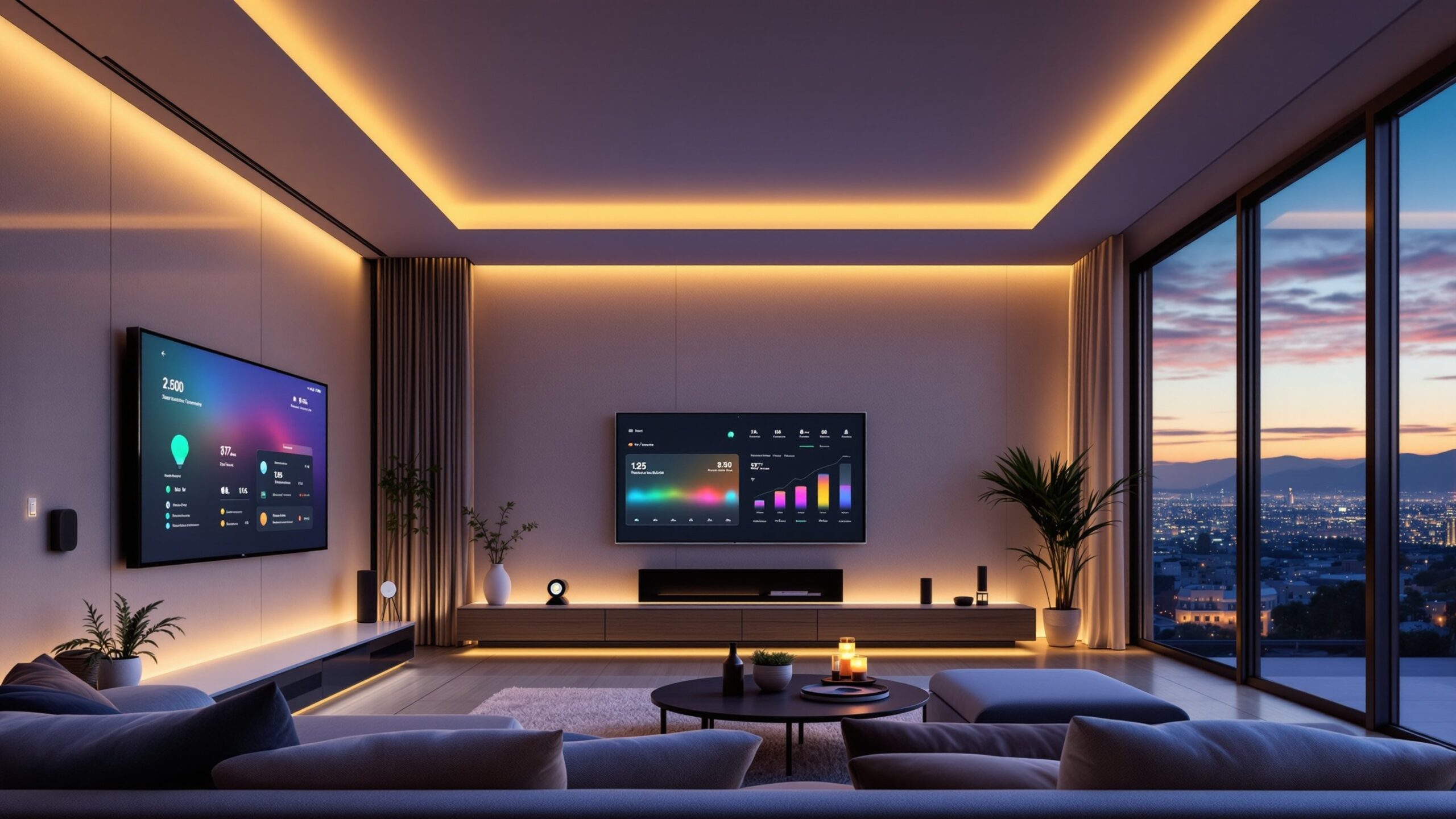
On Drill and Skills, Smart Home Integration is where weekend projects level up into homes that feel quietly intelligent. This is your control room for pulling together smart switches, sensors, thermostats, cameras, door locks, and speakers so they play on the same team instead of fighting for your Wi-Fi. We’ll walk you through choosing a hub or platform, understanding protocols like Wi-Fi, Zigbee, and Z-Wave, and deciding what should be hardwired versus simply plugged in. You’ll learn how to build scenes, routines, and voice commands that actually match your life: lights that fade down at movie time, garage doors that alert you if left open, and schedules that trim your energy bill. Along the way, we’ll keep the wiring, security, and privacy talk down-to-earth so you know what’s happening behind the app. Whether you’re starting with a single smart plug or tying an entire renovation together, this sub-category is your guided path to a home that feels smoother, safer, and a lot more fun to live in. And yes, you’ll still control it all easily.
A: Not always—many Wi-Fi devices work hub-free, but hubs can improve reliability and local control.
A: Often yes if you’re comfortable with basic wiring and turn off power at the breaker.
A: Many will still respond locally; cloud-only features and remote control may stop.
A: Use strong passwords, updates, and trusted brands; consider a separate network for IoT.
A: Switches are great for whole rooms; bulbs shine when you want color and fine-tuned scenes.
A: Yes, but plan wiring, box locations, and Wi-Fi coverage into your renovation.
A: Absolutely—focus on smart plugs, bulbs, and wireless sensors that move with you.
A: Consolidate devices into your main platform and use its scenes as your primary control center.
A: With good naming, documentation, and occasional checkups, they can be surprisingly low-maintenance.
A: For panel work, new circuits, complex low-voltage runs, or when security gear protects critical areas.