Smart lighting is most useful when it makes the house easier to live in, not when every lamp becomes another app to manage. A good beginner setup starts with the rooms where light affects daily routines: entries, kitchens, bedrooms, bathrooms, hallways, living rooms, and outdoor paths.
The right system depends on how people actually turn lights on, dim them, walk through the house, wake up, cook, read, work, relax, and leave. Bulbs, switches, plugs, hubs, sensors, and voice control are only tools. The goal is lighting that feels natural even when the technology is hidden.
Start small, keep wall controls usable, and build automations around real habits. Smart lighting should reduce friction, not create a house where guests, kids, or half-asleep adults cannot find a normal light switch.
A: Start with bulbs for lamps and switches for permanent fixtures that need wall control.
A: Many do, so check the switch box before buying hardware.
A: A hub can connect devices, improve reliability, reduce Wi-Fi load, and support certain protocols.
A: Yes, when they match real routines such as cooking, reading, cleaning, bedtime, or movie time.
A: Use them in halls, closets, stairs, pantries, garages, entries, and other pass-through spaces.
A: Preserve clear wall controls, labels, buttons, or default scenes that do not require an app.
A: Weak Wi-Fi, hub distance, power loss, crowded networks, app issues, or firmware problems can cause dropouts.
A: No. Reliable dimmable white light is more useful in most rooms.
A: Use strong passwords, two-factor authentication, limited account sharing, updates, and careful voice assistant permissions.
A: Call for new switches, unclear wiring, missing neutrals, multi-way circuits, dimmer issues, or overloaded boxes.
Start With One Room
The easiest way to begin is to choose one room with an obvious lighting problem. A dark entry, annoying hallway, bedroom lamp routine, kitchen task area, or living room movie setup can teach you more than buying devices for the whole house at once.
Walk through the room at the times you actually use it. Notice where light is too dim, too harsh, too blue, too yellow, hard to reach, or left on by mistake. The first smart-lighting choice should solve one of those problems.
Starting with one room also helps you learn the app, voice assistant, dimming behavior, and reliability before the system spreads across the house.
Choose Between Smart Bulbs and Smart Switches
Smart bulbs are simple for lamps, rentals, color effects, and fixtures where each bulb can be controlled separately. They are easy to install, but they need constant power. If someone turns off the wall switch, the smart bulb may disappear from the app until power returns.
Smart switches keep wall control familiar. They are often better for ceiling fixtures, groups of recessed lights, exterior lights, and rooms where guests should not need an app. The tradeoff is installation complexity, especially if the switch box lacks a neutral wire.
Smart plugs are useful for lamps, seasonal lights, and simple on-off control. They are not usually the right solution for built-in fixtures, but they are a low-risk way to test automations.
Check the Wiring Before Buying Switches
Many smart switches require a neutral wire. Older homes may not have one in every switch box. Multi-way circuits, dimmers, fans, and combination switches can also complicate the choice. Do not assume every smart switch will fit every existing box.
Turn off power before inspecting wiring, and use qualified help when needed. Electrical work behind a switch is not the place to guess. If wiring is unclear, a smart bulb or plug may be safer than forcing a smart switch into the wrong location.
Also check box depth. Some smart switches are bulkier than standard switches. Crowded boxes can make installation difficult even when the wiring is compatible.
Understand Hubs and Protocols
Some smart lighting devices connect directly to Wi-Fi. Others use Zigbee, Z-Wave, Thread, Bluetooth, or a brand-specific hub. Wi-Fi is simple for a few devices, but many Wi-Fi bulbs can crowd a weak network. Hub-based systems can be more reliable for larger setups.
Compatibility matters. Before buying, check whether the device works with your preferred app, voice assistant, phone, and existing smart-home platform. A cheap bulb is less useful if it requires a separate app that nobody wants to open.
Matter and Thread can make some newer devices easier to integrate, but the details still vary by brand and controller. Read compatibility notes before ordering.
Keep Physical Controls Usable
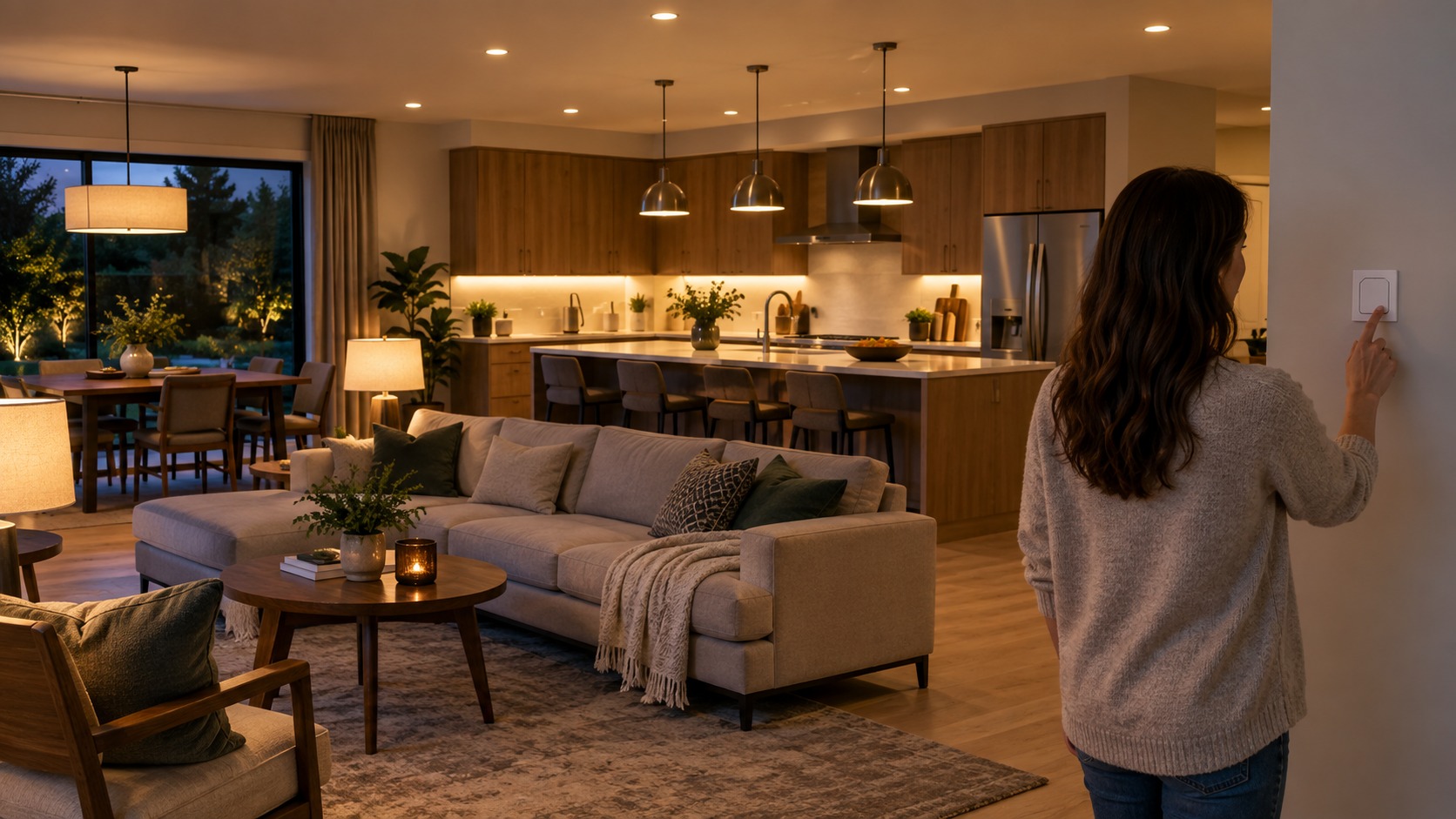
A smart home should still work like a normal home. Wall switches, remotes, button controllers, or scene keypads help people control lights without hunting for a phone. This is especially important in bedrooms, bathrooms, guest rooms, entries, and kitchens.
Do not make critical lights app-only. If the internet is down, a phone battery dies, or a guest visits, basic lighting should still be obvious. Smart control should add options, not remove common sense.
Label unusual controls until everyone understands them. A confusing system will be bypassed, unplugged, or turned off at the wall.
Use Color Temperature Carefully
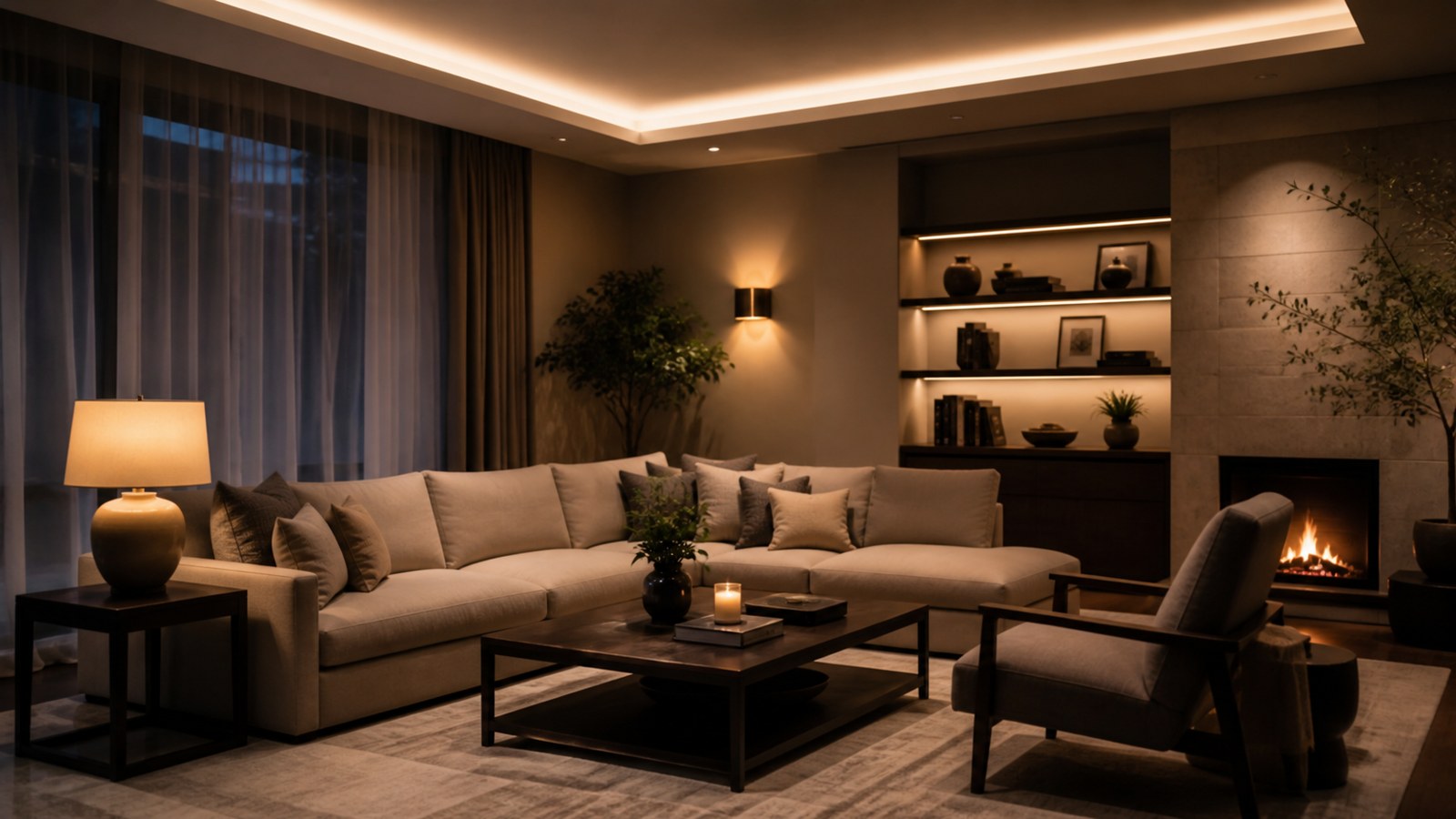
Many smart bulbs let you change color temperature. Warmer light can feel comfortable in the evening. Cooler light can help task areas feel brighter. The key is to use color temperature intentionally instead of changing every light all the time.
Bedrooms and living rooms usually benefit from warm evening settings. Kitchens, laundry rooms, garages, and work areas may need brighter neutral light during tasks. Bathrooms often need flattering but clear light near mirrors.
Avoid mixing random color temperatures in the same view. One lamp that looks orange beside a blue-white ceiling light can make the room feel messy even if both bulbs are technically smart.
Build Scenes Around Real Activities
Scenes are preset lighting combinations. Good scenes match activities: cooking, cleanup, movie night, reading, bedtime, morning, dinner, work, guests, and away mode. A scene should do something people recognize immediately.
Keep the number of scenes manageable. Too many presets become clutter. Start with two or three useful scenes in a room, then add more only when a real need appears.
Name scenes clearly. “Kitchen Bright,” “Kitchen Evening,” and “Movie” are easier to use than clever names people forget.
Use Motion Sensors Where They Make Sense
Motion and occupancy sensors are excellent in closets, pantries, laundry rooms, garages, mudrooms, halls, stairs, and utility spaces. They are less pleasant in rooms where people sit still, such as living rooms, offices, dining rooms, and bedrooms.
Set sensor timeouts carefully. A hallway might need only a short delay. A laundry room may need longer. A bathroom sensor should not turn lights off while someone is still in the shower or behind a door.
Placement matters. A sensor should see the movement that matters without being triggered constantly by pets, curtains, or traffic in a nearby room.
Automate Outdoor Lighting
Exterior smart lighting can improve convenience and safety. Porch lights, path lights, garage lights, side-yard lights, and back patio lights can run on schedules, sunset triggers, motion, or away mode.
Use outdoor-rated devices and weather-safe fixtures. Indoor plugs, bulbs, and switches do not belong where moisture, cold, heat, or direct weather can damage them.
Keep neighbors in mind. Bright lights that stay on all night or point into another home can create problems. Aim outdoor light where it helps and dim it when full brightness is not needed.
Plan for Guests and Family
Smart lighting fails when only one person knows how to use it. Every regular user should be able to turn lights on, dim important rooms, and override automations. Guests should be able to find basic controls without a tutorial.
Guest rooms need simple lamps or switches. Bathrooms need obvious control. Kitchens need reliable task lighting. A home can have advanced automations and still keep the basics friendly.
If voice control is part of the system, do not make it the only control. Voice commands are useful, but they can be awkward late at night, during conversations, or when internet service is unreliable.
Protect Network Reliability
Smart lighting depends on communication. Weak Wi-Fi, overloaded routers, poor hub placement, and too many cheap devices can make lights slow or inconsistent. Reliability matters more than novelty.
Place hubs centrally when possible. Keep them away from metal cabinets, thick walls, and crowded electronics. For Wi-Fi devices, make sure the signal is strong where the lights are installed.
If the system grows, consider whether the home network needs improvement. A good router or mesh system may do more for smart lighting than buying another batch of bulbs.
Think About Privacy and Accounts
Smart-lighting systems often require apps and accounts. Review what data the device collects, whether remote access is needed, and how household members will share control. Use strong passwords and enable multi-factor authentication where available.
Limit unnecessary permissions. A lighting app may not need broad access beyond what is required for setup and control. Keep firmware updated so security fixes are applied.
When possible, choose brands with clear support, update history, and compatibility. The cheapest device may become expensive if the app disappears or the product stops receiving updates.
Avoid Over-Automating
Not every light needs a rule. Too many automations can create a house that changes at the wrong time, fights manual control, or surprises people. Good automation should feel quiet and predictable.
Start with simple routines: porch lights at sunset, hallway lights at low brightness overnight, bedroom lamps at bedtime, or kitchen lights bright in the morning. Watch how the household reacts before adding complexity.
If people keep overriding an automation, the automation is wrong. Adjust it or remove it instead of forcing the routine.
Check Dimming Before Committing
Dimming is one of the places smart lighting can disappoint beginners. Some smart bulbs dim smoothly from the app but behave poorly on a traditional dimmer. Some smart switches need specific bulb types. Some LED fixtures flicker, buzz, or refuse to dim low enough.
Test dimming in the actual fixture before buying a full set. Check the lowest comfortable brightness, the brightest useful setting, and whether the light flickers when other appliances run. A lamp that dims beautifully in one room may behave differently in a ceiling fixture.
For bedrooms, dining rooms, and living rooms, low-end dimming matters. If the light cannot get soft enough, the smart feature may not improve the room at night.
Use Smart Lighting to Support Safety
Smart lighting can help with safer movement through the house. Low-level night lights in halls, stairs, bathrooms, and entries can reduce fumbling without blasting the room at full brightness. Motion-triggered garage or laundry lights can help when hands are full.
For exterior areas, schedules and motion can make arrivals easier. A porch or side-yard light that turns on before someone reaches the door is more useful than one that waits until the key is already out.
Safety lighting should be predictable. Avoid dramatic color changes, long delays, or rules that leave important paths dark when someone expects light.
Troubleshoot Before Replacing Devices
When smart lights misbehave, the device is not always bad. Weak Wi-Fi, hub distance, old firmware, wrong dimmer pairing, overloaded circuits, app permissions, and naming conflicts can all create problems.
Start with simple checks. Confirm power, update firmware, restart the hub or router, move a device closer, rename confusing devices, and test the light manually. If the problem follows the bulb to another fixture, the bulb may be the issue. If it stays with the location, the wiring or signal may be the issue.
Keep a short setup note for each room. Device names, app used, switch type, bulb type, and automation rules are easy to forget after the system has been working for months.
Choose Devices You Can Expand
A smart-lighting system grows more easily when devices share a platform. Before buying, consider whether the brand offers bulbs, switches, plugs, sensors, dimmers, remotes, outdoor options, and replacements that fit the way your home may expand.
Mixing brands can work, especially with strong platform support, but it can also create several apps and inconsistent behavior. Beginners usually benefit from keeping the first setup simple.
Buy one or two devices first, test them, and then expand. A small successful system is better than a large frustrating one.
Set Up a Practical First System
A strong beginner setup might include smart bulbs in two living room lamps, a smart switch for porch lights, a motion sensor in a pantry, and a bedtime scene for bedroom lamps. That gives you several types of control without overwhelming the house.
Test each device for a week. Check whether people use it, whether automations fire at the right time, whether wall control still makes sense, and whether the light quality is actually better.
Then decide what to add next. The best smart-lighting systems grow from experience, not from buying everything in one afternoon.
Final Smart Lighting Review
Smart lighting works best when it solves everyday problems: dark paths, inconvenient switches, harsh evening light, forgotten outdoor lights, awkward bedroom routines, and rooms that need different brightness at different times.
Start with one room, choose bulbs or switches based on control needs, keep physical controls usable, use scenes sparingly, and add sensors where they feel natural. A good system should make the home easier to use while still feeling like a home, not a gadget showroom.